
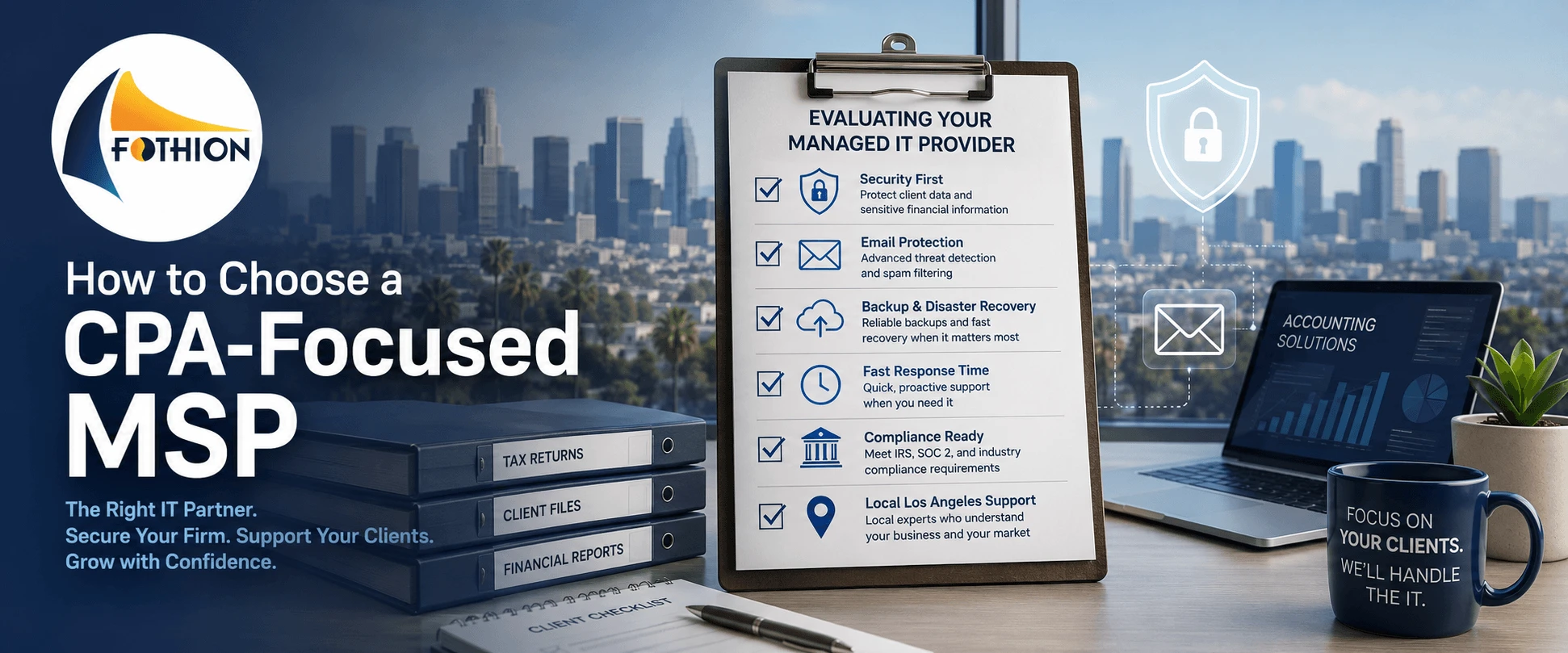
For a 20–100 employee CPA or accounting firm in Los Angeles, the “right” MSP is the provider that can prove two outcomes:
- deadline stability
- risk reduction
In practical terms, you want a provider that can show a written SLA (example: response expectations like “under 1 hour” for most tickets), a security baseline that reduces email compromise and ransomware risk, and backups that are actually recoverable.
Many firms budget $125–$175 per user/month for a strong baseline then adjust based on after-hours needs, onsite support, and recovery expectations. This guide gives you a simple, buyer-focused way to choose confidently.
Step 1: Define Your CPA Firm “Non-Negotiables” (6 Must-Haves)
Before you talk to any MSP, define what you will not compromise on.
- Deadline resilience: what must stay online during tax season and audit deadlines
- Written response SLA: measurable response performance with escalation
- Email + identity protection: MFA everywhere and protections against impersonation/BEC
- Backup + recovery readiness: restore testing cadence and realistic recovery expectations
- Remote work security: secure access for partners, staff, and seasonal workflows
- Reporting: monthly proof that shows what the MSP is doing (not just “trust us”)
If an MSP can’t satisfy these six, you’re likely buying future disruption.
Step 2: Use the 5-Part Buyer Framework to Compare MSPs
Part A: Clarify what you’re outsourcing
Are you outsourcing:
- all helpdesk + device management?
- security monitoring and response?
- backup and recovery planning?
- Microsoft 365 administration?
- vendor coordination?
The clearer you are, the fewer surprises you’ll get.
Part B: Demand proof artifacts
Before you believe any claims, ask for:
- a sample SLA or monthly response report
- a sample monthly summary report
- restore test evidence (or a documented restore-testing process)
- a written onboarding plan (first 30 days)
Part C: Normalize scope (apples-to-apples)
Many firms “choose wrong” because they compare two quotes that aren’t the same thing. Require each MSP to spell out:
- what’s included monthly
- what’s extra/project work
- after-hours coverage details
- onsite support details
- included security tooling
Part D: Interview the team (not just sales)
Ask who actually owns:
- escalations during deadline periods
- security incidents
- onboarding and documentation
Part E: Pilot with an assessment first
A clean way to reduce risk is starting with an IT assessment, then reviewing a prioritized plan before committing long-term.
Step 3: Ask These 12 Questions (and Require Evidence)
Use these questions exactly then ask for proof:
- What is your first response SLA, and how is it measured?
- What is your escalation path during deadline weeks?
- What security is included by default (email controls, MFA support, endpoint protection)?
- How do you prevent impersonation/BEC?
- How do you handle ransomware containment and recovery?
- Are backups included, and how often are restores tested?
- What does onboarding look like in the first 30 days?
- Do we own our documentation and admin access?
- How do you manage Microsoft 365 security posture over time?
- How do you coordinate with vendors for accounting workflows and apps?
- What is “project work,” and what is your rate card?
- Can we speak with references similar to our firm size?
If a provider can’t answer clearly or can’t provide evidence, move on.
Step 4: Cost Expectations (and How to Avoid Surprise Bills)
Many LA accounting firms plan around $125–$175 per user/month for a strong baseline, then adjust for:
- after-hours coverage
- onsite support frequency
- stronger security monitoring and response
- faster recovery targets (BCDR)
The biggest cost mistake is choosing the lowest monthly price and then paying the real bill later in:
- emergency projects
- downtime
- security incidents
- surprise “out of scope” charges
For detailed monthly math and what’s included vs. extra, please read this article: “How Much Do Managed IT Services Cost for Accounting Firms in Los Angeles?”
Step 5: Common Mistakes When Hiring (or Switching) an MSP
- Choosing based on price instead of proof
- No written SLA and no reporting
- Assuming backups = recovery
- Switching during peak deadlines
- Letting the MSP keep control of documentation/admin access
- Not standardizing devices and onboarding (which increases both cost and risk)
The best MSP relationship feels boring—because systems stay stable and issues are prevented.
Example Scenario
A 50-user CPA firm in Los Angeles had slow support during deadline weeks and repeated suspicious email attempts. They required:
- written SLA + escalation
- MFA for all users
- improved email protections
- verified recovery readiness with a restore test
Within 30–60 days, the firm reduced urgent disruptions during peak periods and had clearer reporting for leadership.
Trust Signals You Should Look For
Before you commit, look for:
- SLA transparency and reporting samples
- evidence-backed security baseline (MFA + email controls + endpoint protection)
- restore-tested backup readiness
- a written onboarding plan
- references/case studies
Fothion brings 20+ years in IT with sub-1-hour response times and 95% positive customer feedback.
Get an Accounting Firm Cybersecurity & IT Risk Assessment (30 Minutes)
If you’re unsure how exposed your accounting firm may be to email compromise, ransomware, or deadline downtime, the fastest next step is identifying operational and cybersecurity vulnerabilities.
Book a 30-minute call with Fothion and we’ll:
- review email compromise (BEC) and ransomware exposure risks
- identify operational vulnerabilities that cause deadline downtime
- assess backup protections and recovery readiness
- evaluate remote access security for partners and staff
- outline practical ways to reduce disruption and risk
Book here: https://fothion.com/schedule-a-phone-call/
FAQs (with answers):
1.What’s the #1 thing to demand from an MSP?
A written response SLA plus proof reporting. Without proof, you can’t predict deadline performance.
2.What security basics should be non-negotiable for CPA firms?
MFA everywhere, strong email security against impersonation/BEC, endpoint protection, and restore-tested backups.
3.When is the best time to switch MSPs?
Not during peak deadlines. Switch when onboarding can be done cleanly with documentation and backup verification.
4.How do I spot an MSP that’s too small?
If they can’t explain escalation coverage and after-hours options, you’re buying fragility.
5.How much should I budget?
Many firms plan around $125–$175/user/month, varying by security and recovery expectations.