
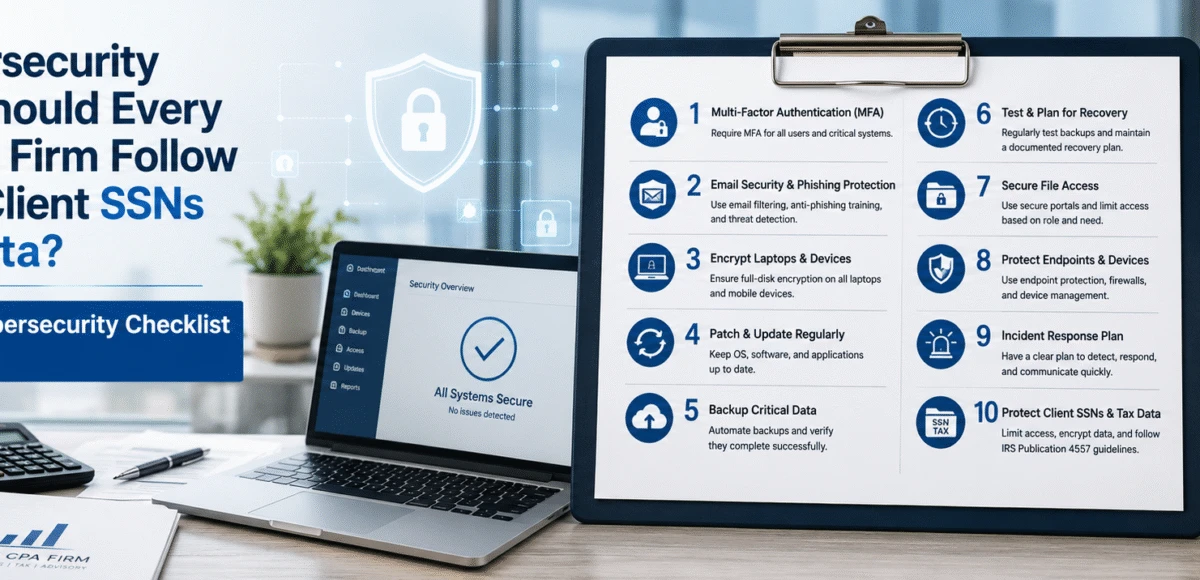
Cybersecurity Checklist for Accounting Firms
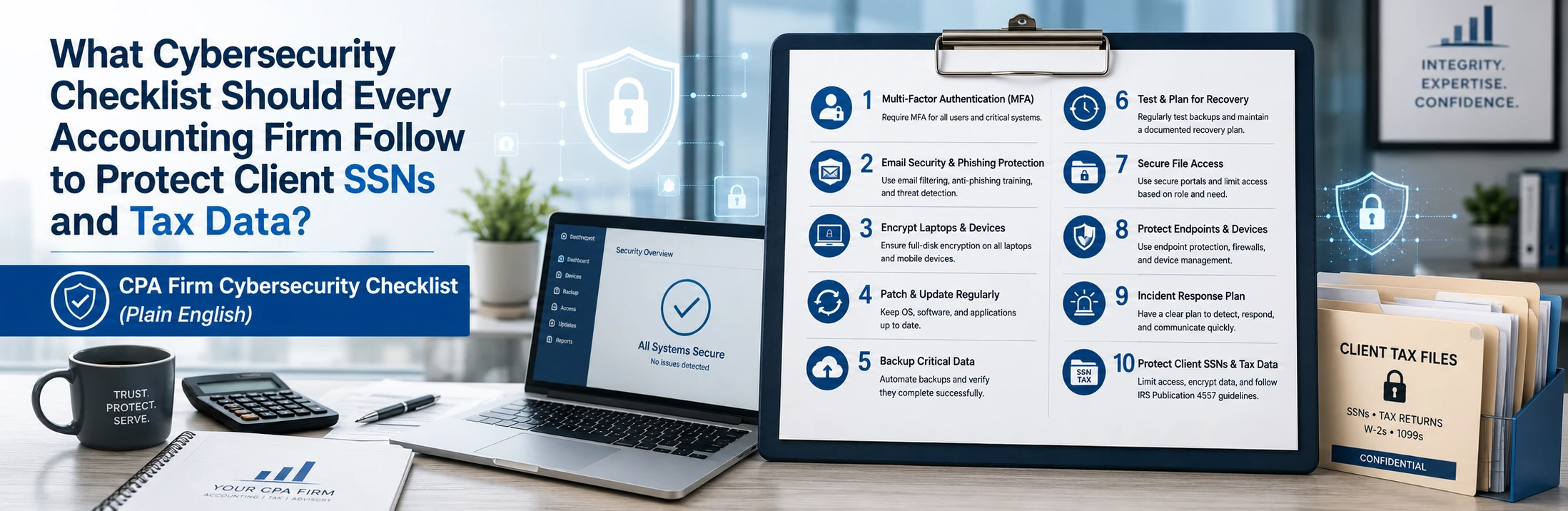
For most 20–100 employee accounting firms, you can reduce the biggest breach risks (phishing, compromised email, stolen laptops, ransomware disruption) by implementing 10 non-negotiable controls and running them consistently. A realistic “minimum viable security” rollout takes 2–4 weeks to stabilize, and 30–60 days to fully standardize across users, devices, and vendors.
This is a plain-English checklist designed for owners/partners and firm administrators—so you can protect client SSNs and tax data without getting buried in acronyms.
The CPA cybersecurity checklist (plain English): 10 controls you should be able to answer “YES” to
If any of these are “NO” or “NOT SURE,” that’s your highest priority gap.
1) Do all users log in with multi-factor authentication (MFA)?
Goal: 100% MFA coverage for email, cloud apps, and remote access.
Why it matters: Most accounting breaches start with stolen credentials.
2) Are partner/admin accounts separated and protected?
Goal: No one uses an “admin” account for day-to-day email and browsing.
Why it matters: One compromised admin account = full-firm compromise.
3) Is email protected against spoofing, phishing, and malicious attachments?
Goal: Block lookalike domains, malicious links, and risky attachments.
Why it matters: SSNs and tax data often get exposed through email compromise.
4) Are devices protected and monitored (not just “antivirus installed”)?
Goal: Modern endpoint protection + monitoring on 100% of firm laptops/desktops.
Why it matters: Attackers rely on missed detections and unmonitored endpoints.
5) Are operating systems and apps patched on a schedule?
Goal: Critical security updates addressed within 7–14 days, standard updates within 30 days (or faster during active threats).
Why it matters: Unpatched systems are one of the easiest ways in.
6) Is every device encrypted?
Goal: If a laptop is lost/stolen, the data is unreadable.
Why it matters: Lost laptops are still a common client-data exposure event.
7) Do you control access to client files and restrict sharing?
Goal: Least-privilege access; no anonymous links for sensitive client docs.
Why it matters: Oversharing and “anyone with the link” is a quiet leak.
8) Are backups protected from ransomware and tested?
Goal: Backups can’t be altered/encrypted by attackers, and restores are tested monthly/quarterly (depending on criticality).
Why it matters: Backups that aren’t tested aren’t backups.
9) Do you have a written incident response plan (even 1 page)?
Goal: A simple “what we do in the first 60 minutes” playbook.
Why it matters: During deadlines, confusion = downtime.
10) Can you prove your controls (basic reporting + evidence)?
Goal: A monthly snapshot: MFA coverage, patch status, backup status, security alerts, ticket trends.
Why it matters: Insurance, audits, and clients increasingly want proof.
The 30-day implementation plan
This rollout is designed to minimize disruption while improving security fast.
Week 1: Secure access + lock down “keys to the kingdom”
- Confirm admin access for Microsoft 365 / Google, backups, DNS/domain, firewall
- Enforce MFA for email + remote access
- Remove shared accounts and “mystery admins”
- Put all credentials into a secure vault
Week 2: Standardize devices + reduce easy attack paths
- Ensure endpoint protection is consistent on every device
- Turn on disk encryption everywhere
- Establish patching cadence and visibility (who is behind, by how much)
- Remove unsupported or unused remote access tools
Week 3: Protect client data flows
- Review file-sharing rules and external sharing defaults
- Standardize secure portal/file-sharing settings
- Restrict access by role (partners/managers/staff) and client assignment
Week 4: Validate recovery + document the plan
- Verify backups cover what you rely on (not just “a server”)
- Run a restore test (file-level + critical app workflow as needed)
- Write the 1-page incident plan + escalation contacts
- Produce the first monthly report snapshot (your “proof”)
Tax-season note: If you’re inside a major filing window, do “Week 1 + Week 4” first (access + recovery), then standardize devices and sharing settings after peak deadlines.
Cost expectations (what firms typically budget for this checklist)
For a 20–100 user accounting firm, costs usually break into:
- Managed IT + Security operations (monthly)
You already indicated $125–$175/user/month as your typical range. This is where consistent monitoring, support, patching, and response usually live. - Security tooling/licensing (monthly)
Depending on your environment, you may need upgrades for email protection, endpoint security, backup, and monitoring. - One-time “stabilization” project (2–6 weeks)
If the environment isn’t standardized—mixed devices, inconsistent MFA, unknown backups—expect a one-time push to get you to a known-good baseline.
Buyer rule: If a provider claims you can get strong protection with “no changes,” you’ll usually pay later in downtime or incident recovery.
Common mistakes accounting firms make (that lead to breaches or deadline downtime)
Mistake 1: MFA is “optional for partners”
Fix: MFA has to be universal. Exceptions create the breach path.
Mistake 2: Backups exist, but nobody tests restores
Fix: Test restores on a schedule. Document the results.
Mistake 3: Email security is treated like “spam filtering”
Fix: You need phishing defenses + spoofing protections + monitoring for suspicious mailbox behavior.
Mistake 4: Too much file sharing by default
Fix: Lock down external sharing and enforce least privilege by role and client engagement.
Mistake 5: No written “first 60 minutes” plan
Fix: A simple plan reduces chaos, downtime, and bad decisions during deadlines.
How to choose a provider to implement and maintain this checklist (buyer questions)
When you talk to an MSP or security provider, ask:
- “How fast can you get us to a stable baseline?”
Look for a 2–4 week plan with clear steps (not “we’ll see”). - “What do you monitor, and how do you prove it?”
You should get monthly reporting (MFA, patching, backups, security events). - “How do you protect email specifically?”
If they can’t clearly explain anti-phishing + spoofing protections, that’s a red flag. - “How do you test recovery?”
They should include restore tests and a documented recovery approach. - “What changes do you avoid during deadlines?”
A good provider has change control and a tax-season plan.
Red flags:
- “Security is an add-on later”
- No restore testing
- No reporting
- Vague answers about email security and admin access
Real-world example
A 60-user CPA/tax firm was dealing with recurring phishing attempts and inconsistent MFA adoption. Over 30 days, the firm enforced MFA for all users, removed shared admin access, standardized endpoint protection, tightened external sharing rules, and validated backup restore capability with a test. Result: fewer “urgent security surprises,” smoother operations during peak workload weeks, and clearer evidence for insurance/security questionnaires.
Trust signals
- 20+ years in IT
- 95% positive customer feedback/reviews
- Documented onboarding + reporting (so controls don’t drift over time)
Get an Accounting Cybersecurity Risk Assessment (30 Minutes)
If you’re unsure how exposed your firm may be to phishing, email compromise, ransomware, or client-data leakage, the fastest next step is identifying the gaps in your current controls.
Book a 30-minute call with Fothion and we’ll:
- review client data exposure risks (SSNs/tax documents)
- identify operational vulnerabilities that cause downtime during deadlines
- assess MFA, admin access, and email security protections
- evaluate backup protections and realistic recovery readiness
- outline practical ways to reduce disruption and breach risk
Book here: https://www.fothion.com/schedule-a-phone-call/
FAQs (with answers):
1) What’s the single most important cybersecurity control for a CPA firm?
Universal MFA on email and remote access—because many accounting breaches start with stolen credentials.
2) How do accounting firms usually lose client SSNs and tax data?
Most commonly through phishing/email compromise, overshared files, or infected devices that lead to unauthorized access.
3) How often should backups be tested?
At minimum quarterly; for critical workflows or deadline-heavy operations, monthly testing is safer.
4) What should an MSP provide as proof of security?
Monthly reporting that shows MFA coverage, patch status, backup status, and security alerts—not just “trust us.”
5) What’s a realistic timeline to improve security without disruption?
A “minimum viable security” baseline typically takes 2–4 weeks, with deeper standardization completed in 30–60 days.
Leave a Comment