
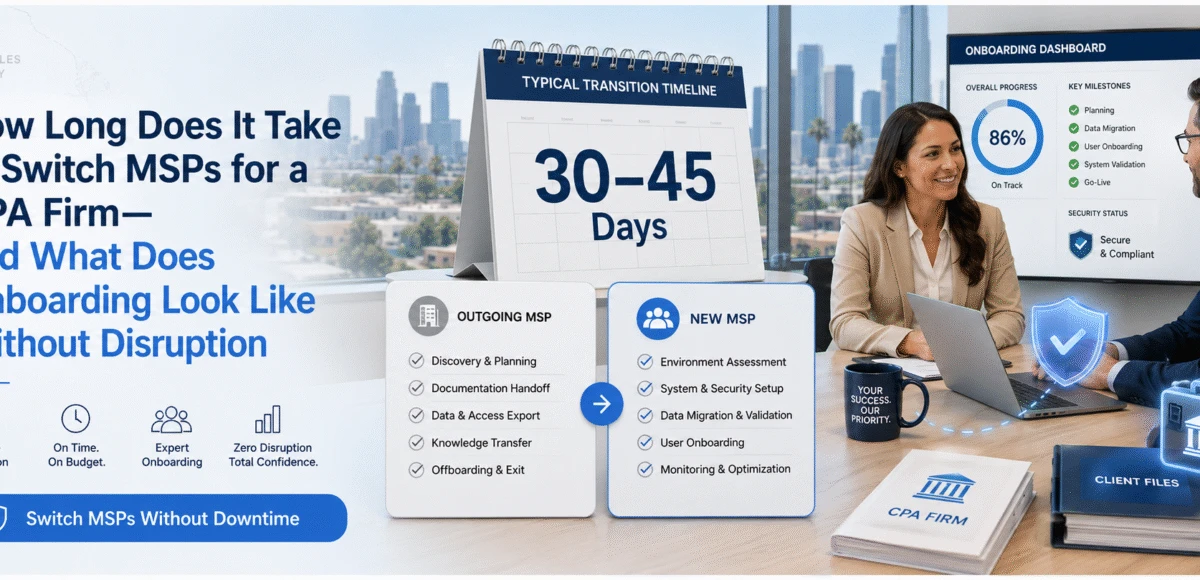
Switching MSPs Without Disrupting Your CPA Firm
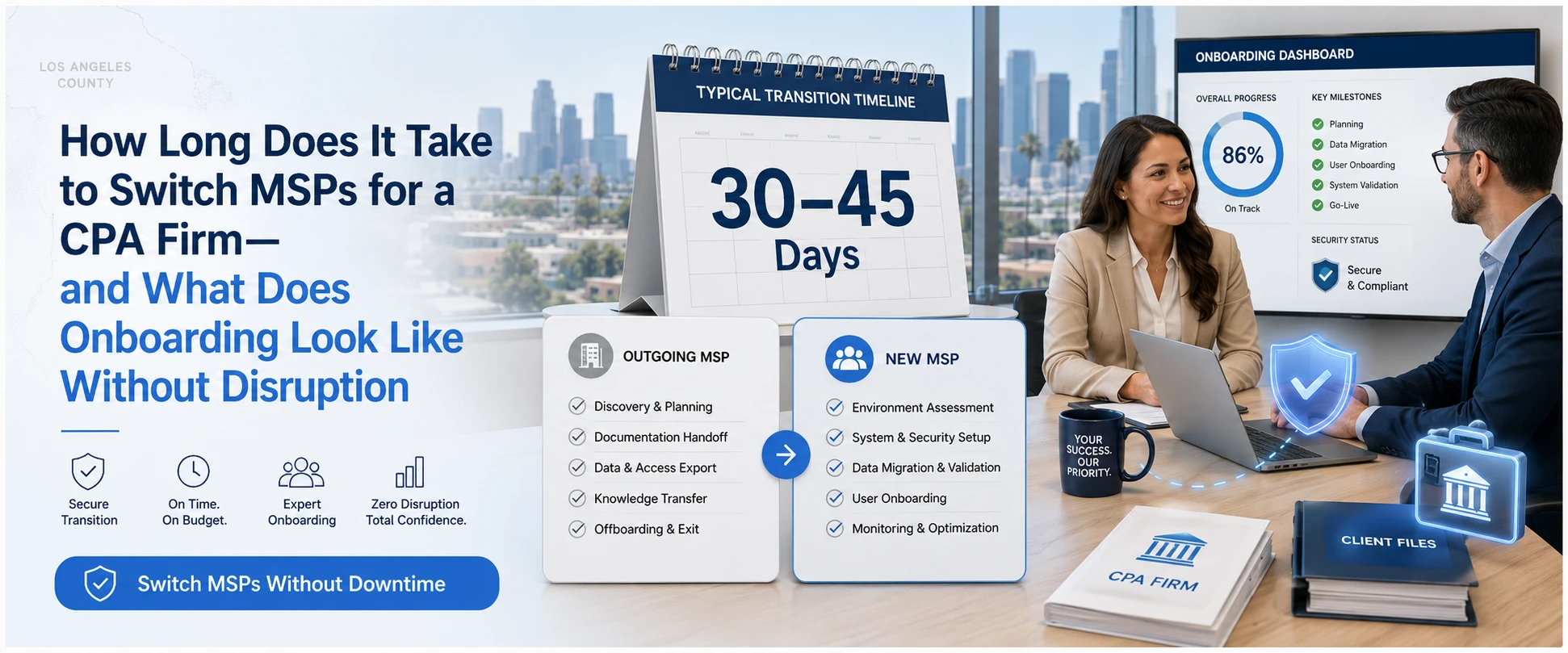
Most 20–100 employee accounting firms can switch MSPs in 30–45 days without downtime if you follow a structured transition plan. A simpler environment (single office, mostly cloud apps, clean device inventory) can be done in 14–21 days. More complex firms (multiple locations, on-prem servers, line-of-business apps, compliance requirements, or years of “IT debt”) usually take 60–90 days to transition safely.
The risk isn’t “switching providers.” The risk is switching without a plan—missing admin access, unknown backups, undocumented vendor logins, or changes happening too close to tax deadlines. This guide breaks down exactly what the switch looks like, what it costs, what mistakes cause disruption, and how to choose an MSP that can move you safely.
The CPA Firm “No-Disruption” MSP Switch Plan (7 steps)
If your new provider can’t clearly explain these steps, that’s your first red flag.
Step 1) Pre-switch risk snapshot (Days 1–3)
Goal: Identify what could break during the handoff before anything changes.
What a good MSP should check immediately:
- Who controls Microsoft 365 / Google Workspace admin
- Where backups live and whether restores have been tested recently
- Any single points of failure (one server, one firewall, one “IT guy” password)
- Remote access tools (RDP, VPN, remote control agents) and whether they’re secure
- Antivirus/EDR status and whether endpoints are consistent
Why it matters: Accounting firms are prime targets for phishing, invoice fraud, and ransomware. A sloppy transition can expose credentials, break email rules, or disable protections.
Step 2) Access + offboarding protections (Days 1–7)
Goal: Ensure your firm—not the outgoing MSP—controls the keys.
Minimum access you should have (in writing):
- Domain registrar + DNS provider login
- Microsoft 365/Google admin login
- Firewall/router admin
- Backup console admin
- Password vault access (or credential export)
- Vendor portals for line-of-business apps
A best practice that prevents chaos: Ask the new MSP to implement a credential inventory + secure vault in week 1, even before cutover.
Step 3) Documentation pull + environment discovery (Week 1)
Goal: Build a complete map of what you actually run.
Your new MSP should create (or update):
- User list + devices list (who has what)
- Network diagram (even if simple)
- Server/app inventory (including cloud storage, scanners, VoIP, Wi-Fi)
- Security baseline (MFA status, conditional access basics, patching)
This is where most “surprise outages” originate: firms don’t realize a payroll system, scanning workflow, or tax app depends on an old server/share until it breaks.
Step 4) Parallel monitoring (Weeks 1–2)
Goal: Put the new MSP “in the cockpit” while the old MSP is still around.
What this looks like:
- New monitoring/alerting installed (quiet mode at first)
- Backup verification + test restore
- Endpoint security standardized (one toolset, one policy)
- Helpdesk routing agreed (who gets tickets starting on X date)
Why it matters: A parallel period lets you detect issues (disk space, failing backups, unstable ISP, misconfigured MFA) before you’re mid-deadline.
Step 5) Cutover plan (Week 2–4)
Goal: Move control without disrupting staff.
A low-disruption cutover usually includes:
- Confirming admin access is transferred
- Standardizing endpoint management (patching, encryption, EDR)
- Confirming remote access is secure and documented
- Cleaning up legacy accounts and risky access paths
Tax-season rule: If you’re within 30–45 days of major filing deadlines, you should minimize change and focus on security + support stabilization first, then do deeper projects after deadlines.
Step 6) Security hardening (Weeks 3–6)
Goal: Reduce breach risk fast—because attackers love transition periods.
High-impact controls for CPA firms:
- MFA everywhere (especially email/admin)
- Conditional access rules (geo/risk-based)
- Admin account separation (no daily-driver global admins)
- Backup immutability / ransomware-resistant backups
- Email anti-phishing protections + user training cadence
Why it matters: Business email compromise (BEC) and client spoofing can cost far more than IT fees especially when client trust is your product.
Step 7) Stabilization + 90-day roadmap (Weeks 4–8)
Goal: Make IT predictable and measurable.
A good MSP should end onboarding with:
- A “known-good baseline” (patching, security, backups, monitoring)
- A response-time and escalation path everyone understands
- A prioritized roadmap (what to fix next, in what order, and why)
This is where you stop living in reactive mode.
What onboarding looks like for your staff (so productivity doesn’t dip)
A clean onboarding experience is boring in a good way.
Your staff should experience:
- One welcome email: how to submit tickets + what to expect
- Minimal forced changes during deadlines
- Support that resolves recurring issues (printer/scanner workflows, VPN/remote access, Outlook quirks)
- Clear communication when a change is required (who, what, when, why)
If onboarding includes surprise system changes, repeated password resets, or “we’ll figure it out later,” expect disruption.
Cost expectations when switching MSPs (what you’ll pay for, and what you shouldn’t)
Most firms pay for 4 categories during a switch:
- Managed IT monthly service
You already budget $125–$175/user/month. The switch shouldn’t require months of double-paying if onboarding is planned properly.
- One-time onboarding / transition work
Common structures:
- Flat onboarding fee
- Per-user onboarding fee
- Project-based fees (for server migrations, network rebuilds, email tenant cleanup)
A good MSP will quote onboarding with clear deliverables: documentation, backup verification, security baseline, monitoring, and a 90-day roadmap.
- Microsoft 365/security licensing adjustments
Sometimes you’ll need upgrades for stronger protection (especially if you’re missing MFA enforcement or advanced phishing controls).
- Deferred maintenance / replacements
If you have aging firewalls, failing backup devices, or out-of-support servers, the real cost isn’t the replacement. It’s the downtime risk if you ignore it.
What you should NOT pay for: vague “cleanup” with no checklist, no handover documents, and no measurable outcomes.
Common mistakes that cause downtime during an MSP switch (and how to avoid them)
Mistake 1: Switching too close to tax deadlines
Fix: Start transition 60–90 days before major deadlines or do a “stabilize now, optimize later” plan.
Mistake 2: Not securing admin access on day one
Fix: Require a documented list of admin accounts + control transfer dates.
Mistake 3: Assuming backups are working
Fix: Require at least one test restore during onboarding (file-level and/or system-level, depending on your environment).
Mistake 4: Letting old remote access stay active
Fix: Remove or rotate remote tools and credentials immediately after cutover.
Mistake 5: Not documenting vendor logins (payroll, tax apps, portals)
Fix: Create a vendor access inventory in week 1, then store it in a secure vault.
These five mistakes are where firms get hit with avoidable downtime, or worse, preventable security incidents.
How to choose an MSP who can switch you safely (CPA firm checklist)
When you interview MSPs, ask these questions:
- “What’s your exact onboarding process for a 20–100 user accounting firm?”
They should describe steps similar to the 7-step plan above.
- “How do you prevent disruption during deadlines?”
Look for change controls, communication standards, and a phased plan.
- “What security controls do you implement in the first 30 days?”
If they can’t name specific controls, they’re guessing.
- “What do you need from our current MSP, and what if they’re uncooperative?”
Strong MSPs have a playbook for worst-case transitions.
- “How do you prove success after onboarding?”
Expect metrics: ticket volume trends, patch compliance, backup test confirmation, MFA adoption, response times.
Red flags:
- “Onboarding is just installing our agent”
- No mention of backups, admin access, or documentation
- Vague answers around security responsibilities
- No plan for after-hours cutovers or deadline protections
Real-world example
Scenario: A 75-user tax + bookkeeping firm in Los Angeles was switching providers after recurring ticket delays and inconsistent security settings.
Timeline:
- Week 1: Access secured + documentation + backup test restore
- Weeks 2–3: Parallel monitoring + endpoint security standardization
- Weeks 4–5: Cutover + stabilization + roadmap
Results (example placeholders):
- 30–40% fewer recurring tickets by month 2
- 99.9% uptime through peak workload weeks
- MFA enforced for all users + admin separation implemented
Trust signals (why you should trust Fothion)
-
- 20+ years in IT supporting small-to-mid sized organizations
- 95% positive customer feedback/reviews
- Documented onboarding process + clear service expectations
- Security-first posture designed to reduce downtime and breach risk
Book a 30-minute “Switch MSP Without Disruption” call
If you’re considering switching IT providers, the fastest next step is a structured transition plan—so you don’t risk downtime or security gaps during deadlines.
Book a 30-minute call with Fothion and we’ll:
- review your current MSP situation and transition risk
- identify credential/access gaps that commonly block switches
- assess backup and recovery readiness before cutover
- outline a realistic timeline to switch without disruption
- map next steps for a clean onboarding
Book here: https://www.fothion.com/schedule-a-phone-call/
FAQs (with answers):
1) How long does it take to switch MSPs for a CPA firm?
Most 20–100 user firms switch in 30–45 days; simple environments can be 14–21 days and complex ones 60–90 days, depending on documentation, backups, and infrastructure complexity.
2) Will switching MSPs cause downtime?
It shouldn’t. Downtime usually comes from missing admin access, untested backups, or big changes too close to deadlines. A parallel monitoring phase + staged cutover prevents disruption.
3) What do we need from our current MSP to switch smoothly?
You need admin access to email, domain/DNS, firewall, backups, and a credential inventory (or export). If the outgoing MSP is uncooperative, your new MSP should have a documented escalation plan.
4) What’s the biggest risk during an MSP transition?
Security gaps—especially around email access, MFA, and remote access tools. Attackers often exploit transitions because controls are changing and accountability is unclear.
5) How much does onboarding usually cost?
It varies. Some MSPs include onboarding in the monthly fee; others charge a one-time onboarding or project fee depending on migrations, security cleanup, and documentation needs. Always require a deliverables list.
6) When is the best time to switch MSPs for an accounting firm?
Ideally 60–90 days before major deadlines. If you’re close to tax season, do a stabilization-first plan and schedule deeper projects after deadlines.
7) What should onboarding include (minimum)?
Documentation, monitoring, backup verification + test restore, security baseline (MFA/EDR), support process rollout, and a 90-day roadmap.
Leave a Comment